Chromatic listening guide
USB-C wired earbuds, explained.
A practical guide to compatibility, microphones, inline controls, and choosing a direct connection for everyday listening.
The short answer
What are USB-C wired earbuds?
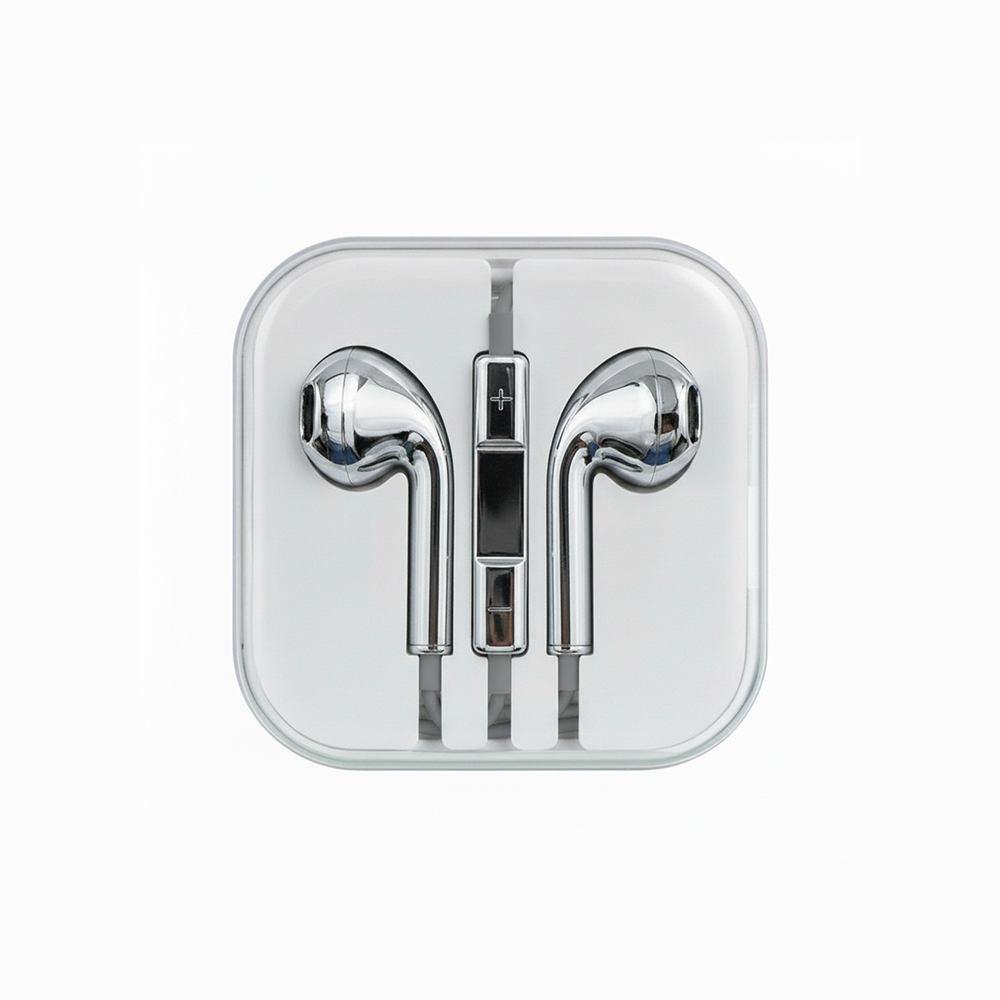
They connect directly to a phone, tablet, or computer through its USB-C port. Audio and power travel through the cable, so there is no Bluetooth pairing and no earbud battery to charge.
Direct connection
Plug into a compatible USB-C port and start listening.
No charging
The device powers the earbuds through the cable.
No pairing
There is no Bluetooth menu or pairing sequence.
Calls and controls
An inline microphone and remote handle calls and playback.
Check before buying
Will they work with your device?
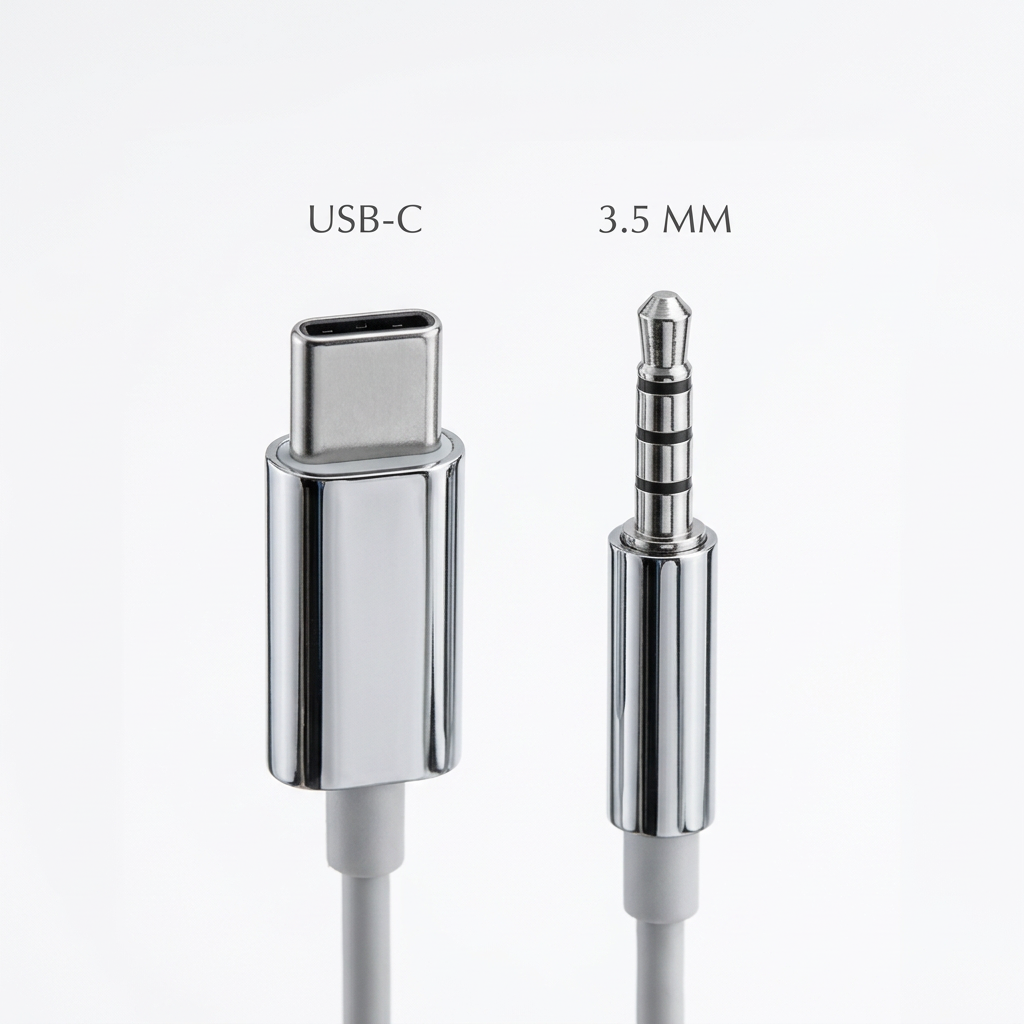
Look at the charging or audio port on your device. If it is the small, rounded USB-C shape, choose USB-C. Older audio equipment may use a circular 3.5mm jack instead.
- Your device has a USB-C port
- The earbuds support digital USB-C audio
- The plug fits without removing your case
- The microphone and controls match your needs
When in doubt, check the device maker’s specifications for wired digital audio support. A USB-C port can look correct while supporting a different set of accessories.
Choosing well
What matters day to day.
Connector compatibility
Choose the plug your device accepts. Adapters can work, but a direct connection keeps your everyday setup simpler.
Microphone and inline controls
If you take calls or control playback from the cable, look for an inline remote with a built-in microphone.
Fit and cable care
Comfort matters over long listening sessions. Store the cable in a loose loop rather than folding it sharply around the plug.
Finish and everyday carry
A wired pair becomes part of what you carry. Chromatic pairs a direct USB-C connection with mirror finishes in Silver, Gold, Pink, and Cherry Cola.
Ready to choose?